AI video editing that's less fuss, more flow

If you can type, drag-and-drop and copy-and-paste, you can make broadcast-grade video in Cutline. It's a video editor that behaves like a document.

Weeknight Kitchen — rough cut / Clips from Wren's Kitchen Publish
WriteLayout

Clips from Wren's Kitchen

Wren

/ Next up, a favourite of mine — one decent knife.

/

/ Contrary to what the catalogues tell you, you only need one good knife per person in a house. So because there are two of us, we own / two decent knives.

/ Picking a good one is a bit fiddly. But remember that this is going to be your multi-tool.

It becomes an extension of your arm in the kitchen. / So you really want a handle that feels right in the hand. You want to chop as long as you need to.

/ I use it for everything. / I open tins with it. / If I'm making toast in the morning, I spread butter with it. /

Stirring. / Flipping. / Chopping. / What else have I used this for? / I don't recommend it, but I have used it as a back scratcher.

Cook preparing food in a warm kitchen — photo by Nam Quan Nguyen on Pexelsit becomes an extension of your
Show timeline 0:25.6 / 0:58.2 Autosaved

More than 4.1 million creators and teams cut in Cutline, including:

Edit video like a doc — just by typing

Cutline is unlike any editor you have used before. Instead of dragging blocks around a timeline you get an auto-generated transcript, and then you edit that to edit the video. That is the whole trick.

1

Coral reef seabed footage — photo by Tom Fisk on Pexels
2
Coral reef seabed footage — photo by Tom Fisk on Pexels
3
Coral reef seabed footage — photo by Tom Fisk on Pexels
4
Coral reef seabed footage — photo by Tom Fisk on Pexels
5
Coral reef seabed footage — photo by Tom Fisk on Pexels
6
Coral reef seabed footage — photo by Tom Fisk on Pexels
7
Coral reef seabed footage — photo by Tom Fisk on Pexels

Deep Time: What the Seafloor Remembers

Roger

/ Welcome back to the show, where we dig into the remarkable record of the seabed, follow the sediment cores, and work out what the mud has been keeping from us. I'm your host, Marguerite, and…

Correct
extraordinaryCorrect

Gaffer
Sound good
  • Tidy for clarity
  • Room tone
  • Remove filler words
  • Remove retakes
  • Shorten word gaps
Gaffer Project Scene Layer Record
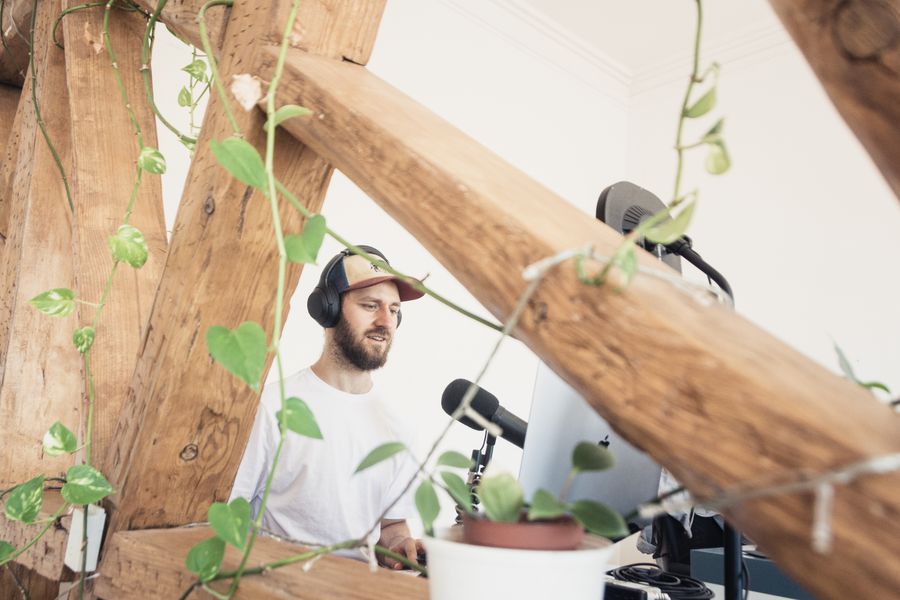
Podcaster recording in a bright studio — photo by Jeremy Enns on Pexels

Meet Gaffer, your AI editing assistant

Gaffer takes the tedious jobs at every stage of the edit. Swap or drop a background in one click with AI green screen. Kill a retake instantly. Hold the camera's eye even when you were reading your notes. Get a hand with the social post, or the script itself. Gaffer does all of that, and keeps going.

Turn one recording into a stack of social clips

Gaffer reads your footage for the moments most likely to travel, then cuts them to any ratio, size and format. After that the flourish is yours: branded templates, animated subtitles, stills, loops or music, so the clips still sound like you made them.

Podcaster recording in a bright studio — photo by Jeremy Enns on Pexels16:9and then I said we should try it
Podcaster recording in a bright studio — photo by Jeremy Enns on Pexels9:16and then I said we
Podcaster recording in a bright studio — photo by Jeremy Enns on Pexels1:1and then I said we
Colourful coral reef footage — photo by Tom Fisk on Pexels

00:10

K Kimberly 20 min

What do you think about swapping this shot out?

Yes — much better.

Collaborative editing, without the chaos

Invite the team to build alongside you, live, with comments, version history, a shared media library and branded templates. All of it sits in the browser, so nobody is downloading a 4 GB file and posting it back at midnight.

Grab-and-go templates for quick, consistent video

Take a ready-made template — animated captions, titles and considered backgrounds included — so your video lands on any social platform. Or build your own, so people know in a half-second glance that this one is yours.

Creator waving to camera at home — photo by Kampus Production on Pexels
HIFRIENDS!
Creator waving to camera at home — photo by Kampus Production on Pexels
HIFRIENDS!
Creator waving to camera at home — photo by Kampus Production on Pexels
HIFRIENDS!

If you can picture it, you can cut it in Cutline.

From a nine-second clip to a forty-minute screen recording, Cutline gives you what you need to make whatever the video is.

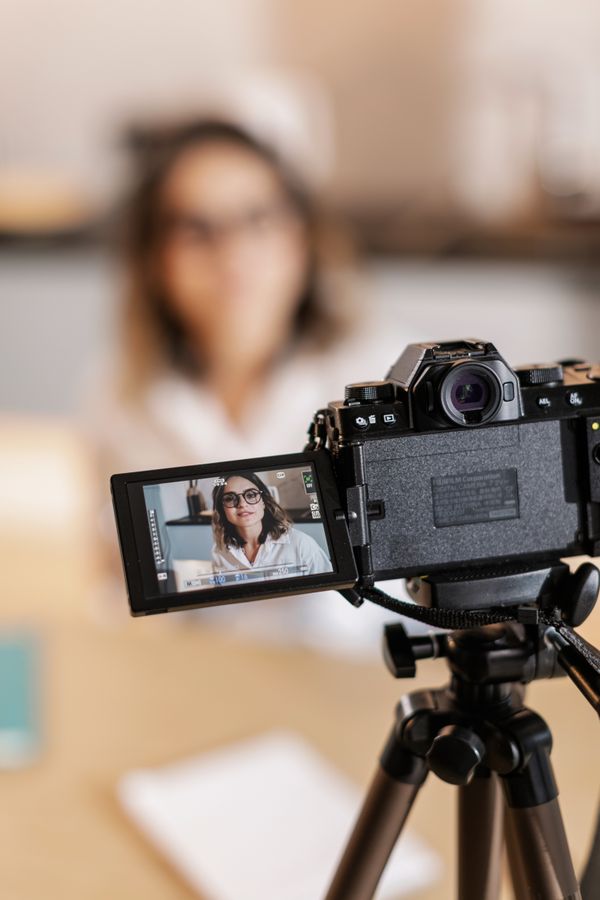
Creator filming with a DSLR at home — photo by Alena Darmel on Pexelswith anything CB @caldwellbros
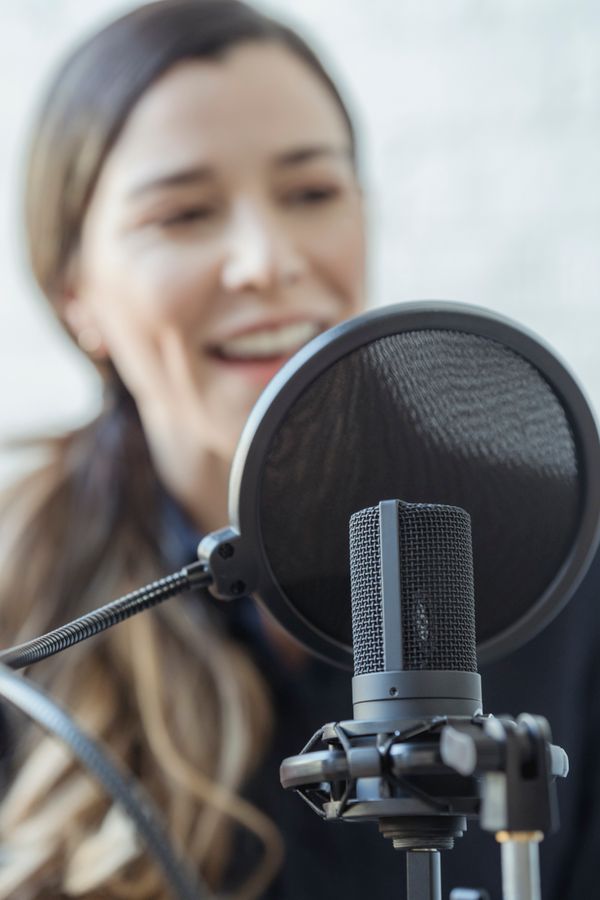
Host recording with a studio microphone — photo by George Milton on PexelsI just like to put music on and start to dance and FG The Fig Co
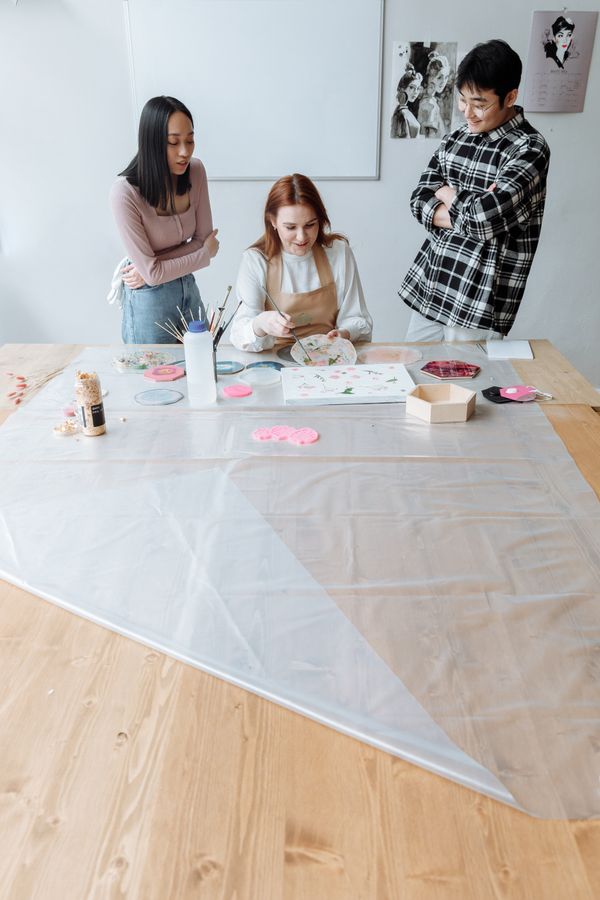
An art instructor working with students in a studio — photo by Thirdman on Pexels SB Sabra Builds

Repurpose one recording into clips sized for every short-form feed you post to.

How to edit video in Cutline

1

Drag and drop, or hit record

Upload the project files, or start recording — or start writing — without leaving Cutline.

Drop anywhere to transcribe Creator waving to camera at home — photo by Kampus Production on Pexels between-the-slates.mp4
2

Edit the transcript

Use the transcript Cutline writes for you to cut the video. Backspace in the script to trim. Paste layers straight onto a moment. Or highlight a passage to spin out a clip.

Between the Slates

Katie

/ Katie here with another diary from the set of the film we've been shooting. Today I want to show you a little of what the production side actually looks like for a…

3

Call in Gaffer

Ask Gaffer to speed the pass up. Strip retakes, spin out social clips, pull the hum out of the room — your assistant handles all of it and rather more.

Remove retakes
We have a whole team whose job is gathering the props and dressing the set to make each scene to make each scene look like a real place. The lighting crew spends hours spends hours nudging and…
Gaffer
4

Publish it

Download the file, push it straight to the platforms you post on, or embed the whole thing anywhere with the Cutline web player.

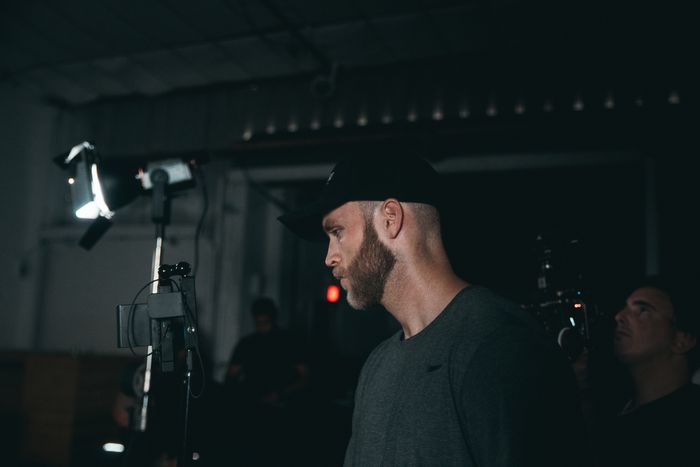
Camera operator working on a lit film set — photo by Kyle Loftus on Pexels Between the Slates ▶ 2:30 / 8:00
Between the Slates

Katie

Katie here with another diary from the set of the film we've been shooting. Today I want to show you a little of what the production side looks like on a feature. There are over two hundred people working flat out to…

Everything in your dad's video editor. And more.

Text-based editing

Cut faster by editing an automatically generated transcript. All you need is a keyboard, a mouse and a couple of fingers.

Gaffer: the AI editor that works for you

Your assistant takes the tedious jobs and leaves the creative calls entirely with you.

Learn more

Media library

Reach a deep stock library of footage, stills, sound effects and music, plus everything you have uploaded, right inside the editor.

Hold eye contact

Reading off-screen? Shift your gaze back to the lens in one click. So useful it is very nearly unsettling.

Learn more

AI speech generation

Fix a fluffed line by typing the correction — no rerecording, no rebooking the room.

Learn more

Repair audio errors

Flatten clipping, hiss and room rumble, so a kitchen-table recording sounds like a treated booth.

Learn more

Studio sound

One toggle lifts a voice out of the room it was recorded in and puts it in front of the mix.

Learn more

Subtitles and captions

Burn in captions that people actually read, styled to match whatever the rest of the frame is doing.

Learn more

Translate video

Reach an audience past your own language and move your captions into 20-plus of them in a few clicks.

Learn more

Automatic filler-word removal

Detect and erase long gaps, doubled words and the "um", "uh" and "like" that make a confident take sound uncertain.

Learn more

Automatic multicam

Work out who is talking and cut the layout to them, even in a fast four-way conversation.

Learn more

Recording built in

Capture webcam, microphone or screen, with up to ten guests dialling in remotely. All of it inside Cutline.

Learn more

Don't just take our word for it

"I replaced about four separate apps when I moved to Cutline. I love that feeling when software actually does the thing it said it would."

S Sterling R.

"The core skill here — editing video by editing text — is so much better than any other workflow I can picture."

B Bryce Y.

"I'd marry Cutline if it would have me. It saves me heaps of time and helps me put out a better cut."

H Hubert H.

"I'm in Cutline daily — transcription, podcast edits, video edits, everything. I'd recommend it whether you're a marketer, a podcaster, a creator or a product lead. I put this thing on everything."

A Amelia C.

"Cutline has been a genuine change of gear. It made editing a pleasure instead of a chore."

B Brigitte B., PhD

"Cutline is all you need for editing. You need close to zero editing background to get something finished."

D Devon M.

1
Best Meets Needs
WINTER
2026
2
High Performer
WINTER
2026
3
Category Leader
WINTER
2026
4
Fastest Growing
WINTER
2026

With a 4.6 out of 5 rating and a run of category wins on Fieldnote, Cutline is named a leader in video editing and podcast production.

"Cutline is the best audio and video production tool on the market, full stop."

P Paul S.

"As a podcaster and not an editor, I found waveforms slow and honestly not my strength. Then I found this and stopped dreading the edit entirely."

R Rosalind T.

"I'm a marketer with no video background and I can put out finished, edited videos in an afternoon now."

H Harini R.

"Cutline is the GOAT. I still catch myself thinking 'this is bonkers' while I edit video and podcasts like a word doc."

T Tomas L.

"Cutline is a change of gear for video work. Editing by cut-and-paste is genuinely a bit magic."

V Vikas D.

"Cutline has cut the time I spend editing video and podcast in half. It's so easy that I now use it on every single project I take."

G Georgia F.

"Cutline has made my sound better and my week shorter, which is not a trade I expected to get."

M Mireille K.

Get started for free

The free plan shows you what Cutline does, no card required. When you want more horsepower, paid plans open at $14 a month.

Sign up
Handset Review / Field Test

Field Test

Lisa

/ Hey everyone — today we're looking at the newest handset in the range. I've had this thing in my pocket for a fortnight and I have some thoughts.

/ Let's start with the good news. The camera on…

Presenter recording a review to camera — photo by George Milton on Pexels