How do I publish a new product listing?
Updated 11 weeks ago
A Noctilume shop supports three different kinds of product listing. Below we walk through what each one is for, and the handful of steps it takes to get your first listing live in front of supporters.
To start a listing, open the Products tab in your Noctilume dashboard and choose New product in the top right. A panel opens where you pick between the three listing types — more on each of those below.
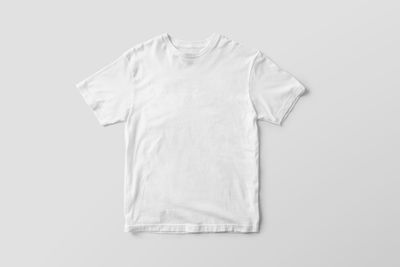 Made to order
We print and ship each item after it sells.
Made to order
We print and ship each item after it sells.
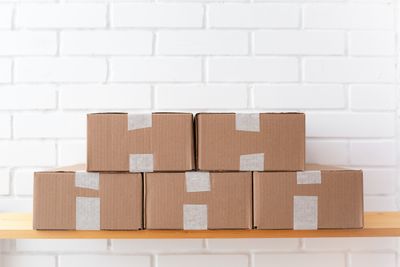 Ship it yourself
Your own stock
List what you already have boxed up.
Ship it yourself
Your own stock
List what you already have boxed up.
Getting a listing live
- Pick a listing type, then choose the blank or the base item you want to build on.
- Upload your artwork and drag it into place. Anything above 2400 px on the long edge prints cleanly.
- Set a price. Noctilume shows your base cost and your margin on the same line as you type.
- Write the title and description supporters will read, and pick which collection the listing sits in.
- Hit Publish. New listings appear on your storefront within about 90 seconds.
Listings stay in Draft until you publish them, so you can leave one half-finished and come back to it. Drafts are only visible to you and to anyone you have invited into the shop.
Editing a listing after it is live
Titles, descriptions, pricing and collection placement can all be edited at any time and update on your storefront straight away. Swapping the artwork on a listing that already has orders creates a new variant instead, so past orders keep the version the supporter actually bought.
Was this article helpful?