Keep your hands on the conversation
When the thought matters more than the toolbar, a few dependable keystrokes help. Driftmark keeps the common actions close: microphone, camera, layout, and a quick return to the room after sharing.
Keyboard notes
Mute or unmuteM
Start or stop videoV
Open people panelP
Return to roomEsc
Share your screenS
A calmer view when you need it
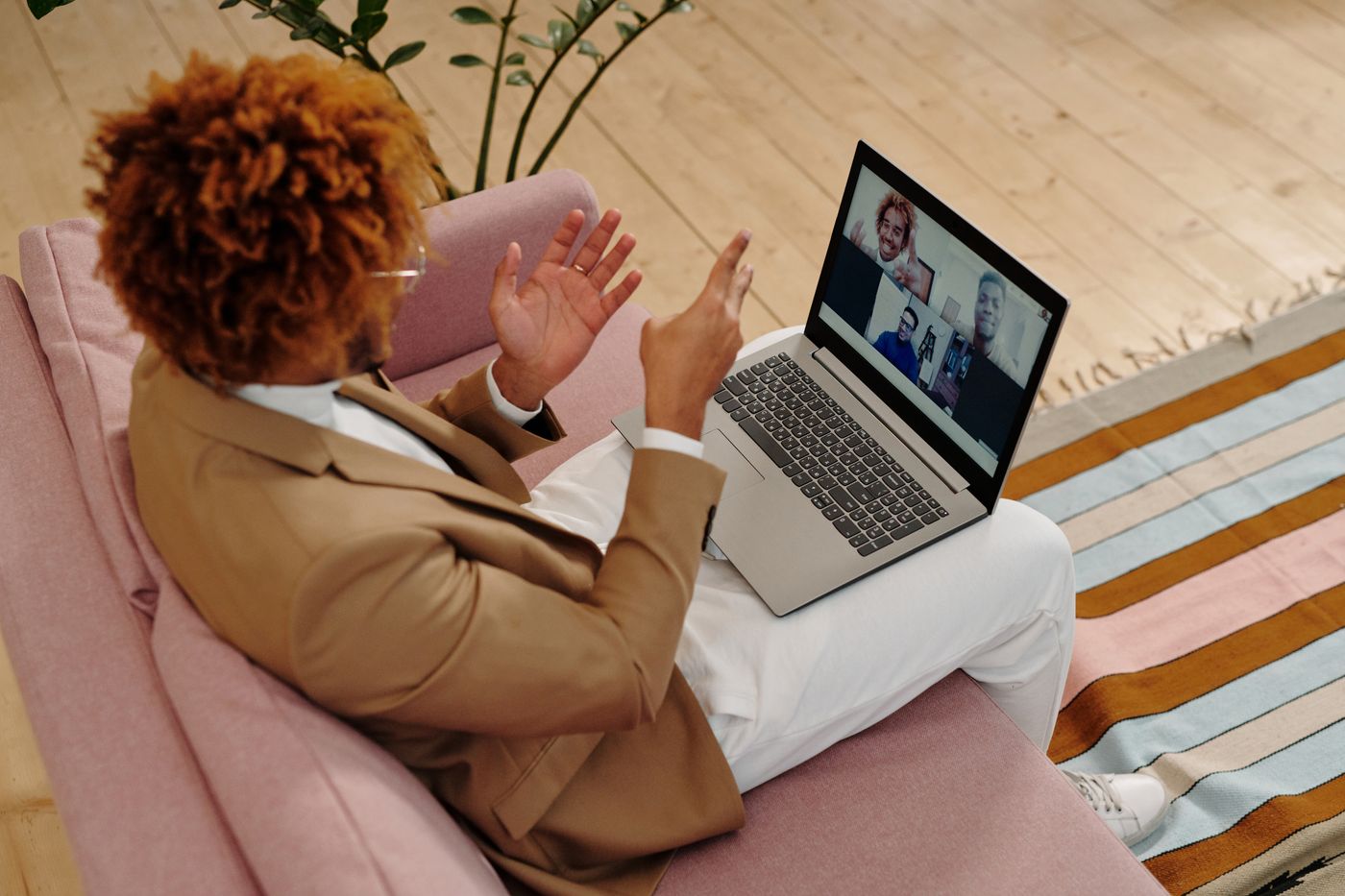
Hide your self-view without disappearing from anyone else’s room. The local preview folds away, leaving more space for the people you called and the notes you are actually using.
Leonie
Arun
Nadia
Keep a speaker beside the work
Pin a small picture-in-picture window above a document or deck. It stays present while you switch tabs, so reactions and handoffs do not get lost behind the shared work.
Present without losing the room
Spotlight one person next to the material they are walking through. A restrained stage layout gives the speaker context without turning the rest of the room into visual noise.